Registering
Required Information
You must have:
- A valid email address (this will become your login username)
- A mobile phone number (used for SMS and WhatsApp notifications)
- A password you can remember
Starting the Registration Process
Step 1: Locate the “Register” Button
You will see the MeetingPal Login page. At the bottom of the page, look for a button labelled: “Register”
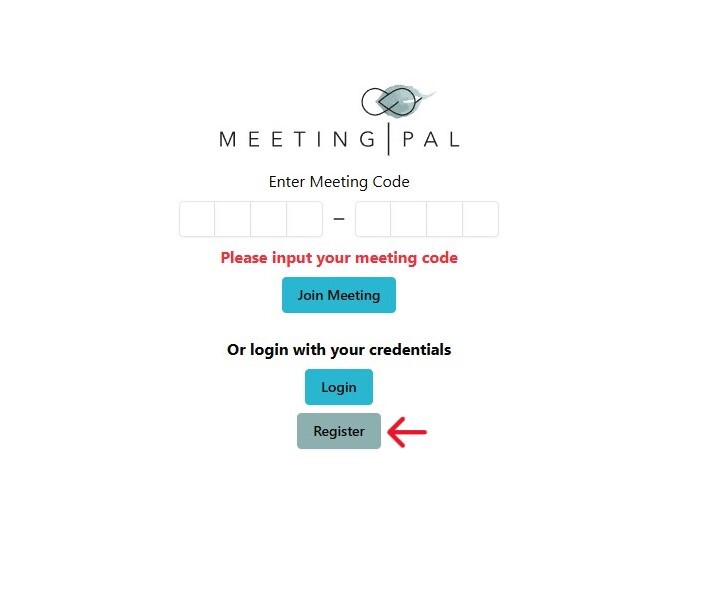
Click on Register.
You will now be asked to enter basic login details.
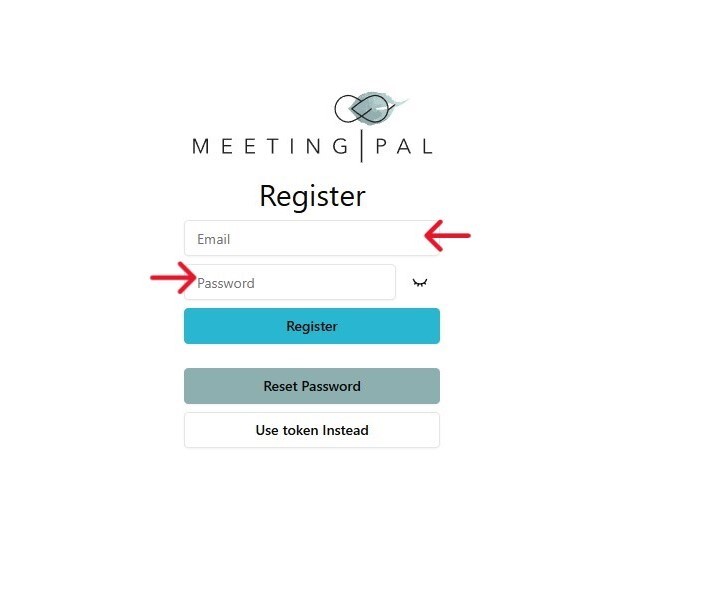
Step 2: Enter Your Email Address
Common Mistakes to Avoid
- Avoid using a shared office email
- Avoid forgetting your password
Step 3: Create a Password
Enter a password of your choice Choose something:
- Secure
- Easy for you to remember
Tip: Write your password down and store it securely if needed.
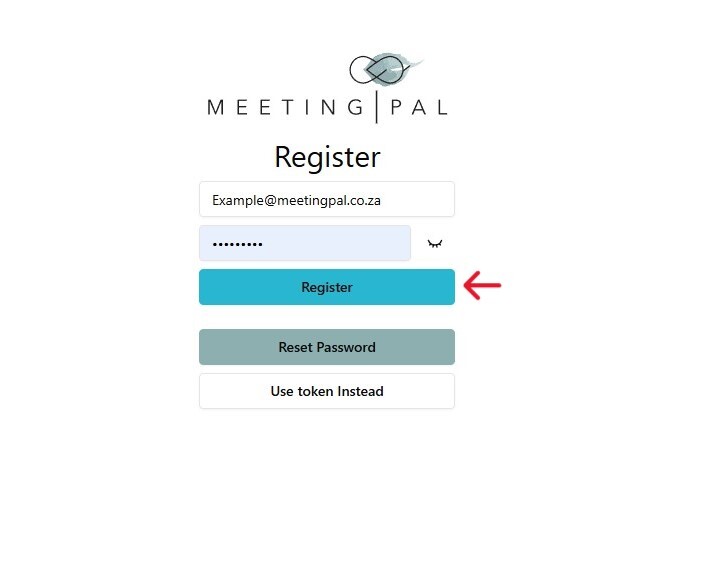
Step 4: Click “Register”
You will now be asked for additional required information.
Step 5: Confirm Your Password
- Re-enter the same password
- This ensures there are no typing errors
Step 6: Enter Your Personal Details
- First Name
- Last Name
- Phone Number
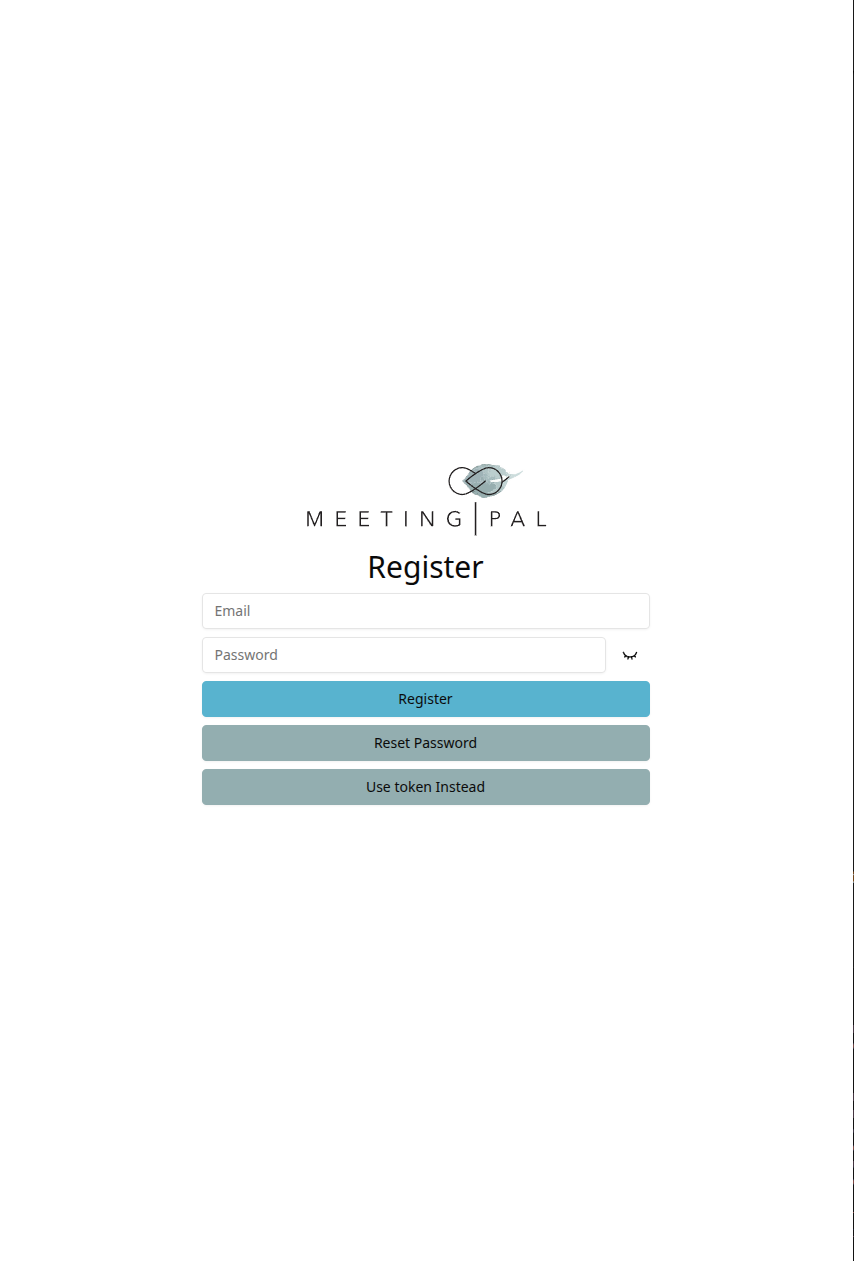
Step 7: Accept our Terms and Conditions
Successful Registration

You will now see the MeetingPal Dashboard. You will notice options such as:
- Home
- Meetings
- Past Meetings

If you have already been invited to a meeting with the same email you created an account with, you should see a meeting under the "Upcoming Meetings" or "Closed Meetings" section.
What Next?
You are now successfully registered on the MeetingPal platform.
In subsequent steps/videos/manuals, you will learn:
- How to a meeting you have been invited to
- How to create your first meeting
- How to upload member data
- How to send invitations
You are now ready to proceed to setting up your first MeetingPal meeting!