Proxies by Request
Requesting a proxy Email
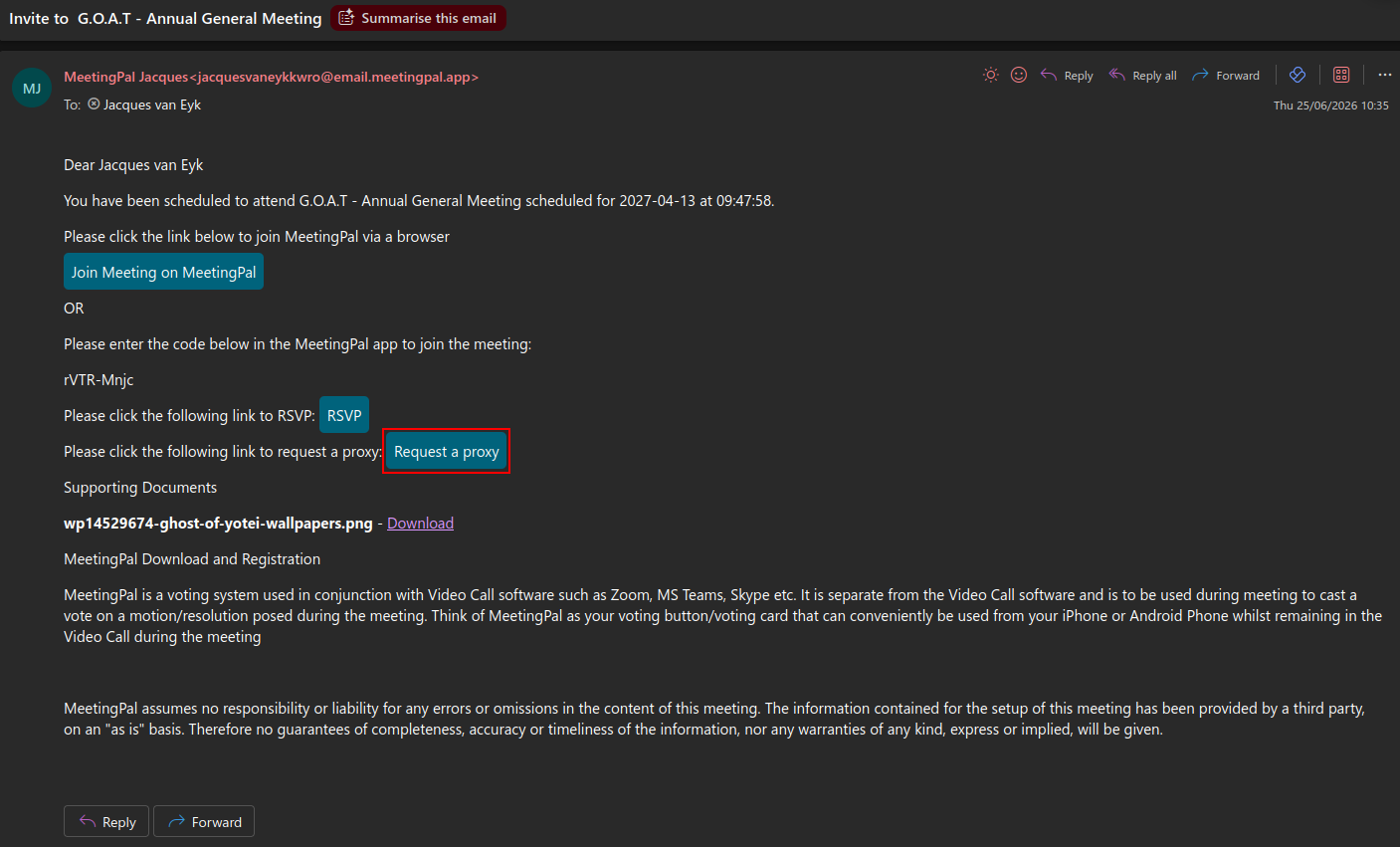
You will see a email inviting you to join a meeting in your inbox with a request a proxy button.
Requesting a proxy
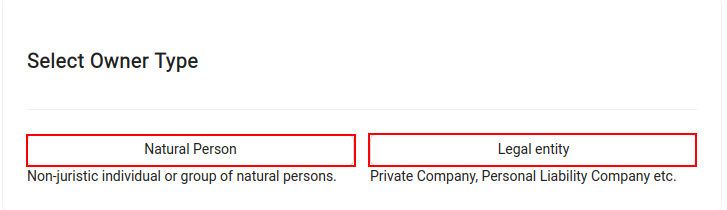
After clicking the request a proxy button, you will be asked what type of owner you are.
After selecting what type of owner you are, you will be asked if you are the sole owner.
If you are the sole owner you will be shown the 'appointment of proxy and acceptance of mandate' form.
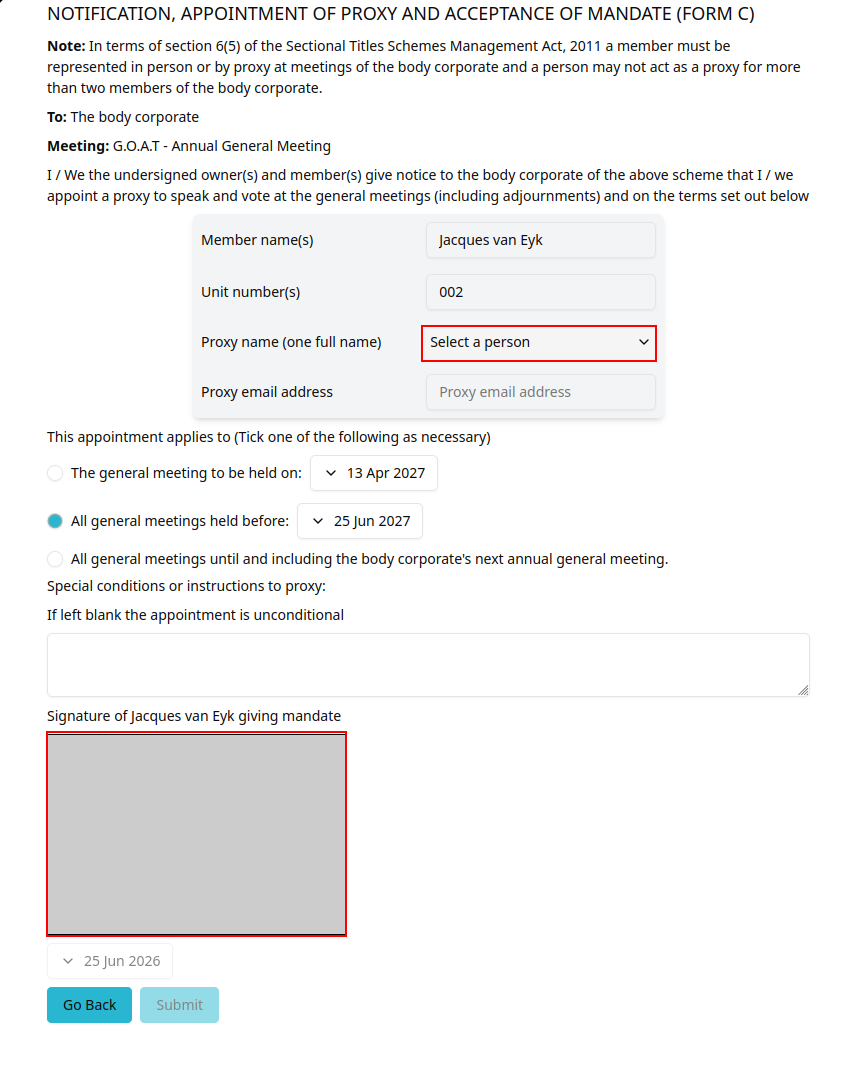
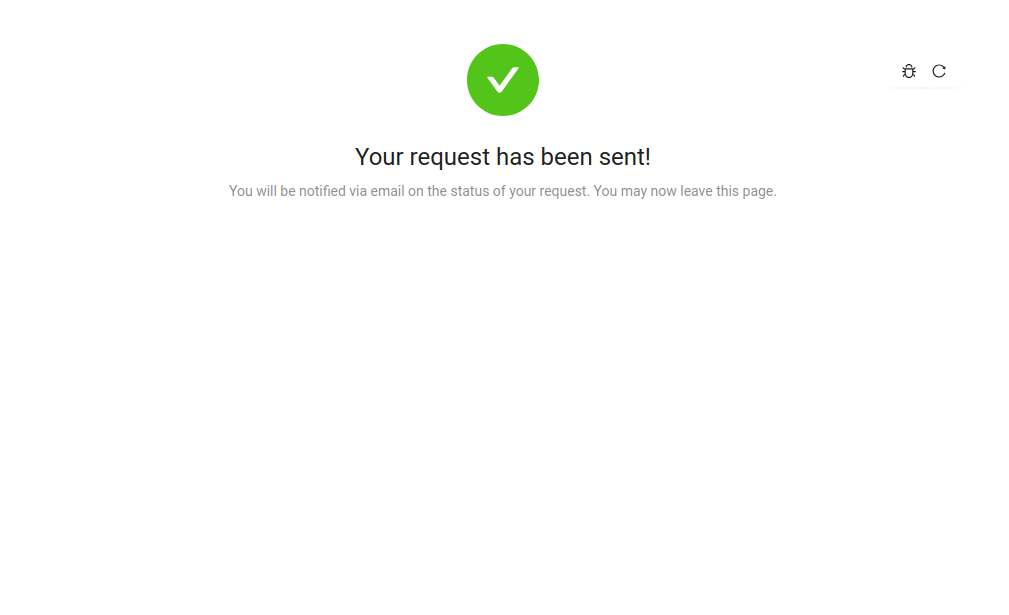
After selecting a invitee to request a proxy from and signing your signature to accept the mandate, you will be shown that your request has been sent.
Legal Entity
If you select that you are a legal entity when asked what type of owner you are, you will be asked to select a legal representative.
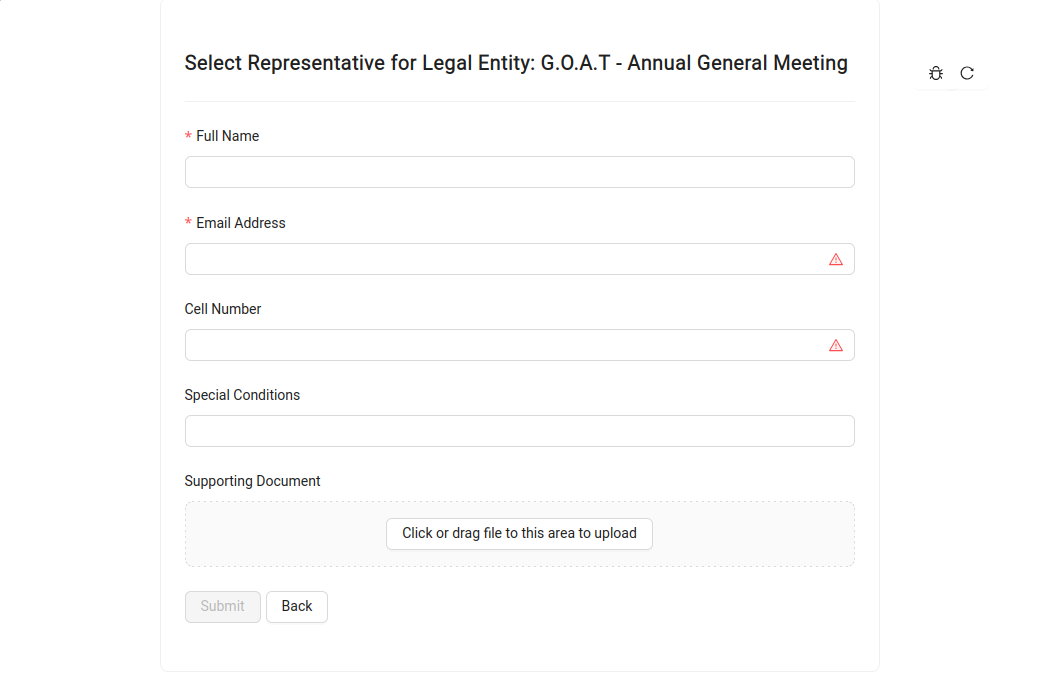
After entering the legal representative's details and adding a supporting document you can click submit.
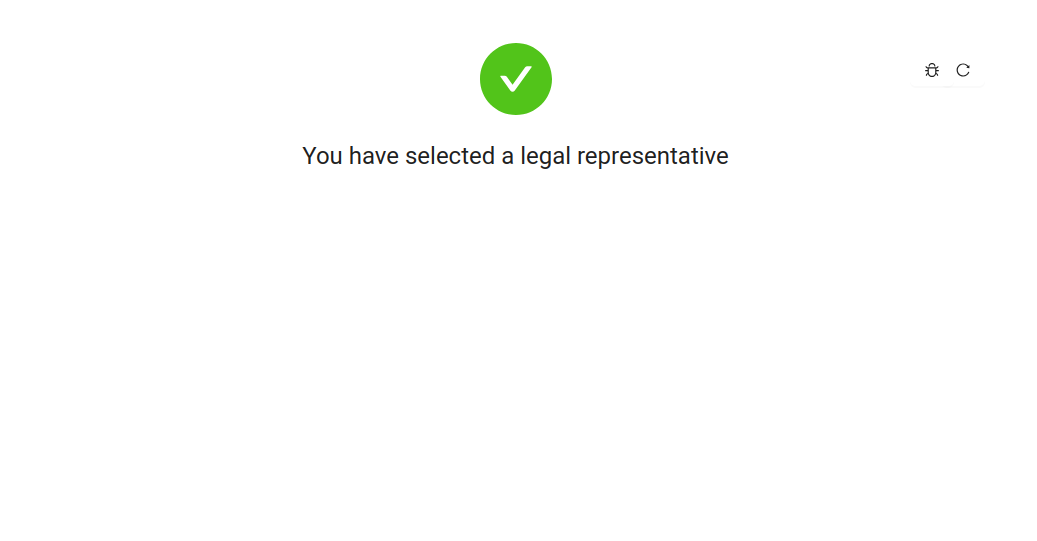
You will be shown that you have selected a legal representative.
Accepting a proxy request
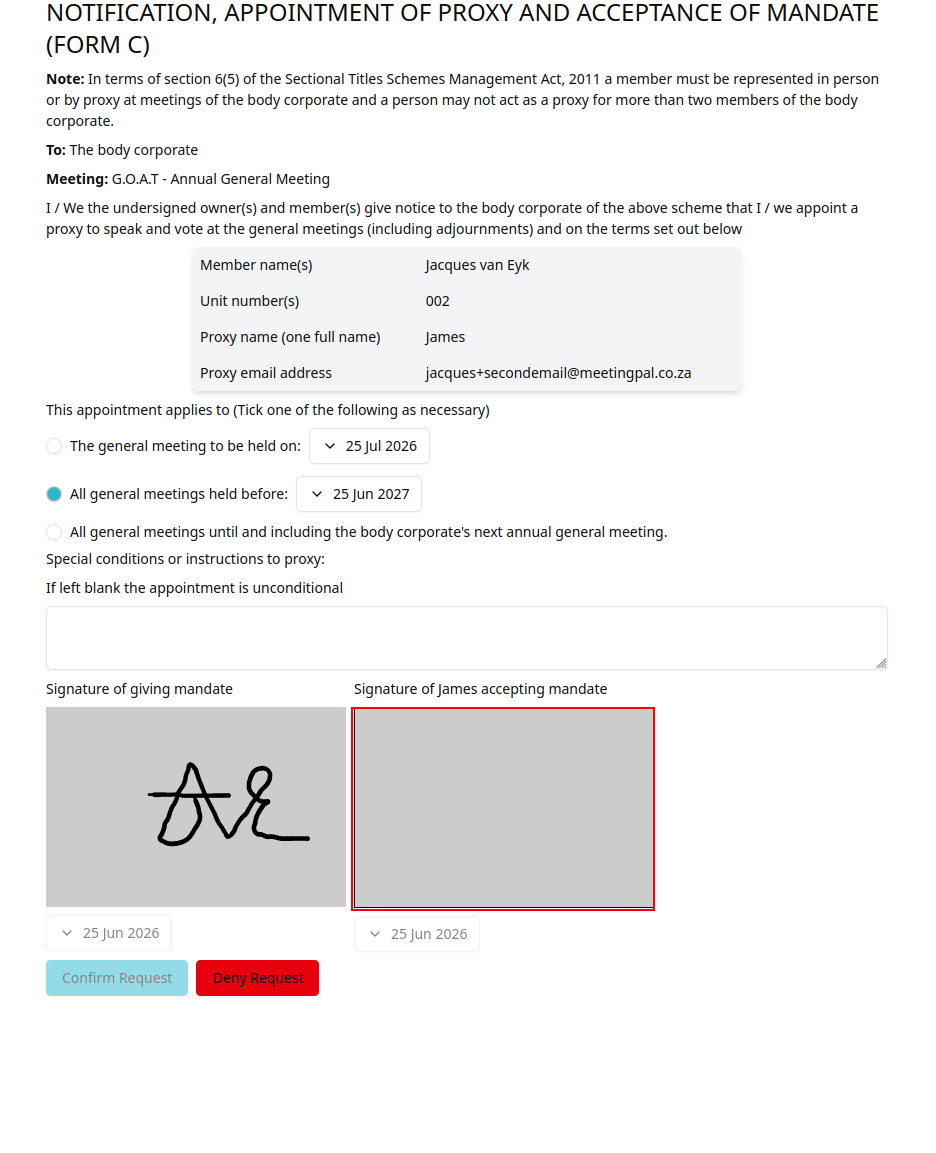
If you have been requested to be a proxy, you will receive a email proxy request.
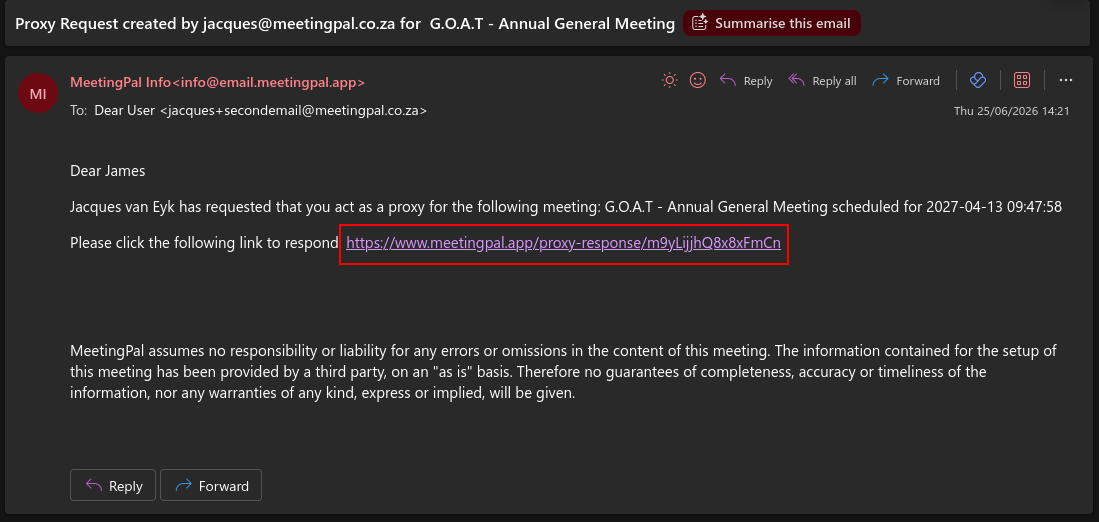
You have to click the link provided to respond to the request.
After clicking the link, you will be taken to the NOTIFICATION, APPOINTMENT OF PROXY AND ACCEPTANCE OF MANDATE page where you will have to sign your signature on the right side to accept the request.